Iphone X Snapchat Front Camera Zoom
After using your Snapchat login and going to the Snapchat settings you will notice that there is no High Definition option when you set up the default video quality on Snapchat there is only standard or low. Now lets see some tips to fix the iPhone camera wont reverse problem below.
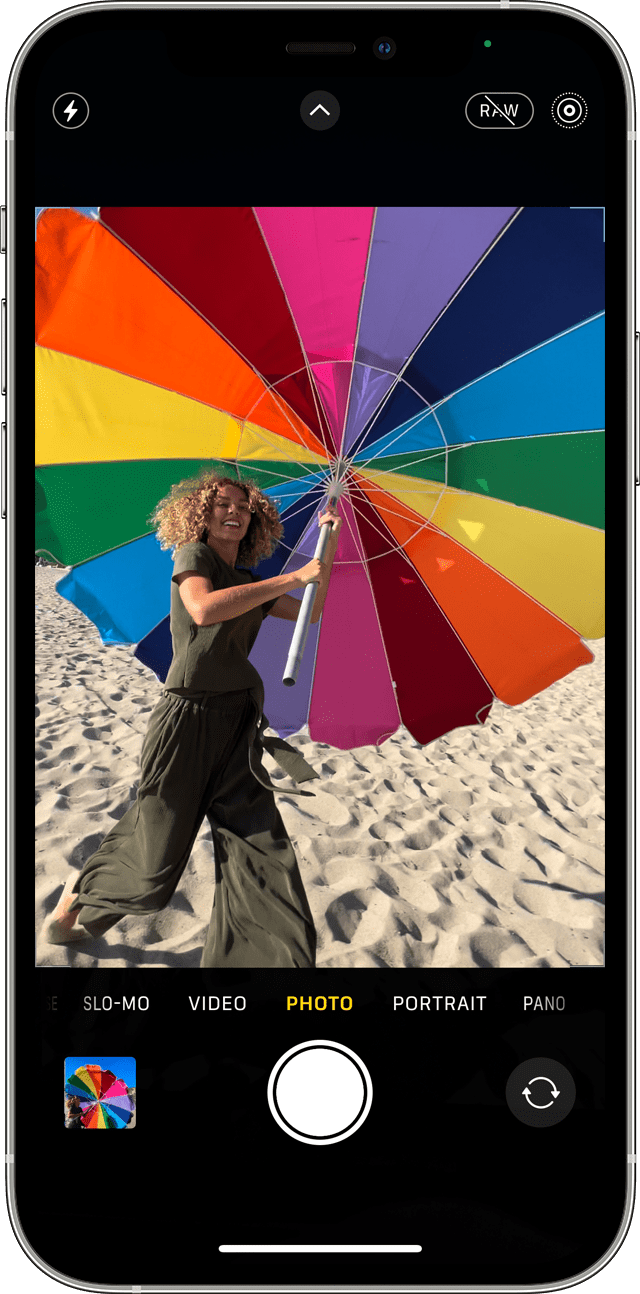
Take And Edit Live Photos Apple Support Ca
Answer 1 of 4.

Iphone x snapchat front camera zoom. It has flexible 11-inch legs that can wrap anywhere you want for a steady clear photo. If you live outside the United States when you use Snap Camera or if you are using Snap Camera on behalf of a business with its principal place. 100 on snapchat to update the app and improve the quality capable on the application.
Im wondering if the front-camera still looks like a pixelated mess and gets zoomed in on snapchat for this phone. Not a new issue at all. You might laugh at this method but most of time it works pretty well in solving your iPhone stuck in zoom mode problems.
In the Photos mode in Camera tap-and-hold the 05x or 1x for the iPhone 11 or the 05x 1x or 2x for the 11 Pro models depending on which is currently in use. The iPhone XR is a mid-high end iPhone and not the top tier iPhone. Some people may meet the iPhone X876s6 camera freezing problem when switching between the front and rear camera like the user describes above.
Why is my snapchat camera so zoomed in iphone xs. Fix Snapchat front camera zoom issue on Galaxy S10. For the most part Snapchat delivers on that and performs as expected but malfunctions still occur sometimes.
A selfie in default mode left versus a selfie with Mirror Front Camera turned on right. Its been an issue since the Xs and Xs Max launched and so far snapchat hasnt done much about it. If you notice the app fills the screen so it zooms in the camera and crops off the sides.
This is because Snapchat uses various compression techniques when you upload your videos. Go to Settings General Restrictions on your iPhone. Camera Not Working in SnapchatWhat to Do.
Alison DeNisco RayomeCNET The latest version of Apples iPhone operating system iOS 147 is now. Why is my snapchat camera so zoomed in iphone xs. The most irritating problem that comes up is with a device.
If you are wondering why Snapchat ruins video quality you are not alone this is very common. It looks like its the apps fault not the camera. Simply put Snap Camera is the desktop version of Snapchat with the Chat and Discover sections stripped away so only the camera remains.
The latest example is Smile an AR Lens that according to a Snap spokesperson uses a machine-learning algorithm to morph a persons likeness into the specified emotion. I have a mate 20 pro and its awful on their website I see they mention this issue for the Iphones and pixel 3 so I wanted to know if its fixed or not so I know if theyre even gonna bother for the Mate 20 pro. The following guide will help you set Snap Camera as the default camera on Skype Zoom Microsoft Teams Google Hangouts and Cisco Webex.
The iPhone XS was 750 and not 1000 so you will not get the same high end experience as the premium iPhone. The iPhone 11s camera needs a update. Get the Moment App mulletforcaleb iOS httpmomntio2vMkioTAndroid httpsmomntio2m8O8gtNiles has been using the iPhone 6s for a couple years.
I havent found anything that can turn it off. It shakes when you zoom in because of your handsunless your iPhone is mounted on a tripod. However the iPhone.
A new Lens on gaming Choose Lenses that match your play-style persona or mood. To date nearly 190 million Snapchat users have interacted with the camera. If you need to minimize the trembling then you can buy a gorillapod like the Akron iPhone tripod mount.
While the iPhone XS replaced the iPhone X. Ive had IOS for over ten years now and Ive never had this issue with the camera quality. If successful your screen will go from the zoom mode to the normal view mode.
The primary issue is Snapchat compresses images taken in the app a lot. If you live in the United States when you use Snap Camera defined below or are using Snap Camera on behalf of a business with its principal place of business located in the United States Snap Incs Snap Camera License Agreement governs your use. As one of the most popular apps worldwide Snapchat has a huge vested interest in providing a stable experience across platforms.
The 12 is WAY too overly softened. Nothing OnePlus can do about this unfortunately. Enable Snap Camera on Skype Step 1.
All you need to do is double tap on the iPhones zoomed screen with your three fingers. A zoom wheel will appear and you can slide your finger left or right to switch to the 13 mm. Its possible that both the methods are required to fix the issue.
I tried the hack out myself using my front-facing iPhone camera on Snapchat and while the results werent as dramatic as the beauty gurus before-and-afters I do think this hack actually works. When I upgraded from my IPhone X to the 12 today I noticed how different the front facing camera is. Its up to SnapChat and Instagram to use the proper aspect ratio and not fill the screen.
IPhone XS max snapchat camera quality Question Hello I just got my iPhone XS max today and first thing when I notice is that the camera quality is terrible in Snapchat the camera is zoomed in like if i hold my phone 5 cm from the face it is much worse than any other phone I have had. From Time Machine to Cartoon 3D Style Snapchat has strung together a run of viral AR Lenses as consistently as Beyoncé drops hits songs. How to use Snap Camera Watch this quick tutorial and learn how to introduce your AR self to the Internet.
Try Snap Camera For Windows Mac. Instead the hack advises you to hold your phone farther away from your face and zoom in to get a more accurate better-looking selfie. Why does my iPhone camera shake when I zoom in.
I cant stand it. You get access to most of the augmented reality Lenses designed for the front-facing mobile camera and it allows you to snap photos and record videos with AR effects from your webcam such as the iSight. Whereas in the camera app it shows the proper 43 aspect ratio.
Open Skype and go to Settings by clicking the 3-dot icon next to. The iPhone XR replaced the iPhone 8. There are two methods to fix the issue.
One is clearing the lens cache and the other one is to install a system update. Triple Click Home Button.
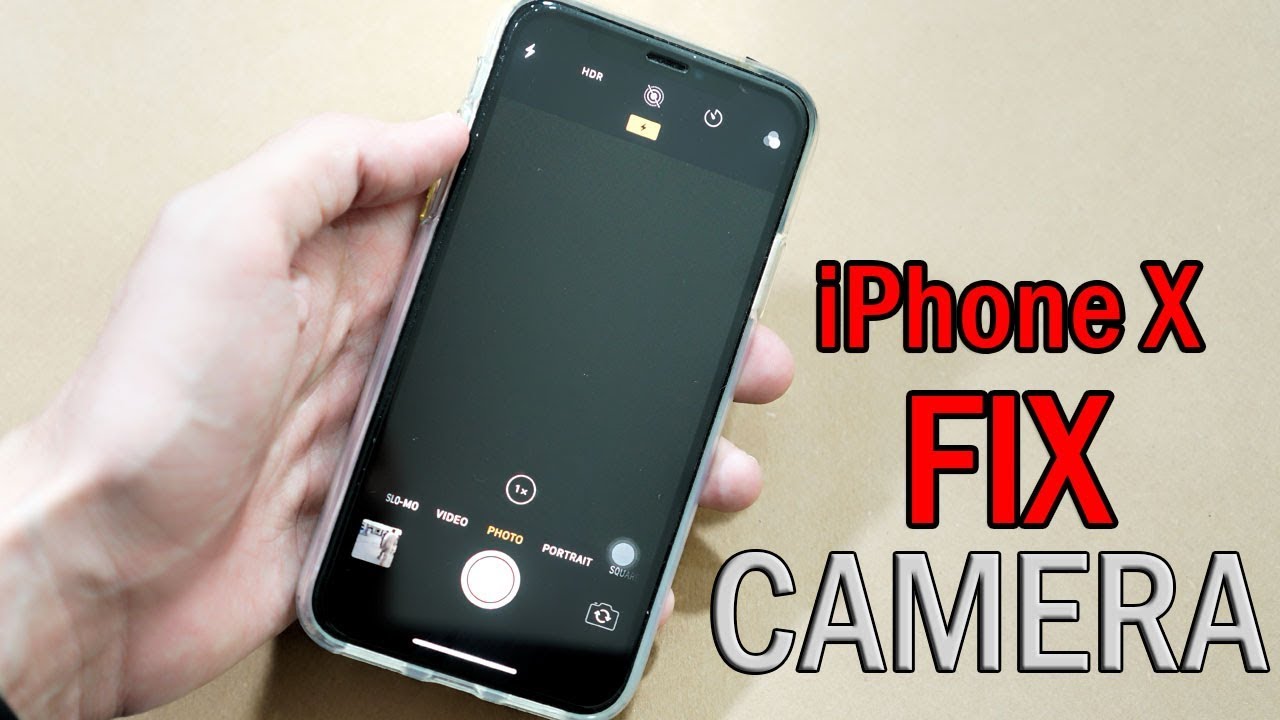
How To Fix Black Camera Issue On Iphone X Xs Max Fixed Youtube
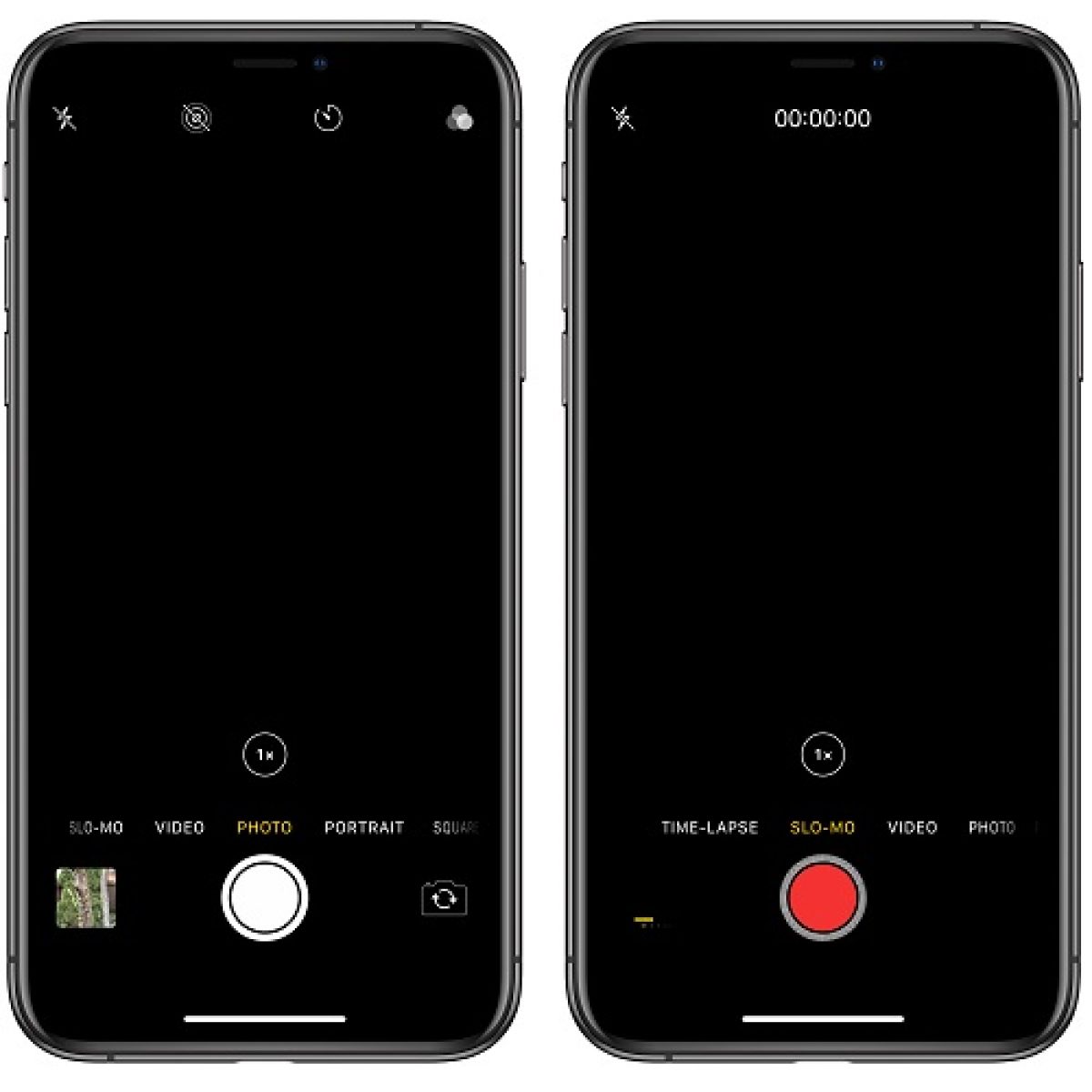
How To Fix The Iphone Camera Black Screen Issue


Komentar
Posting Komentar