How To Find Disney Filter On Snapchat
Ready to plan your next trip to Disney World. Now you can be a part of this trend as well.
How To Get The Disney Cartoon Eyes Filter On Instagram Snap Font
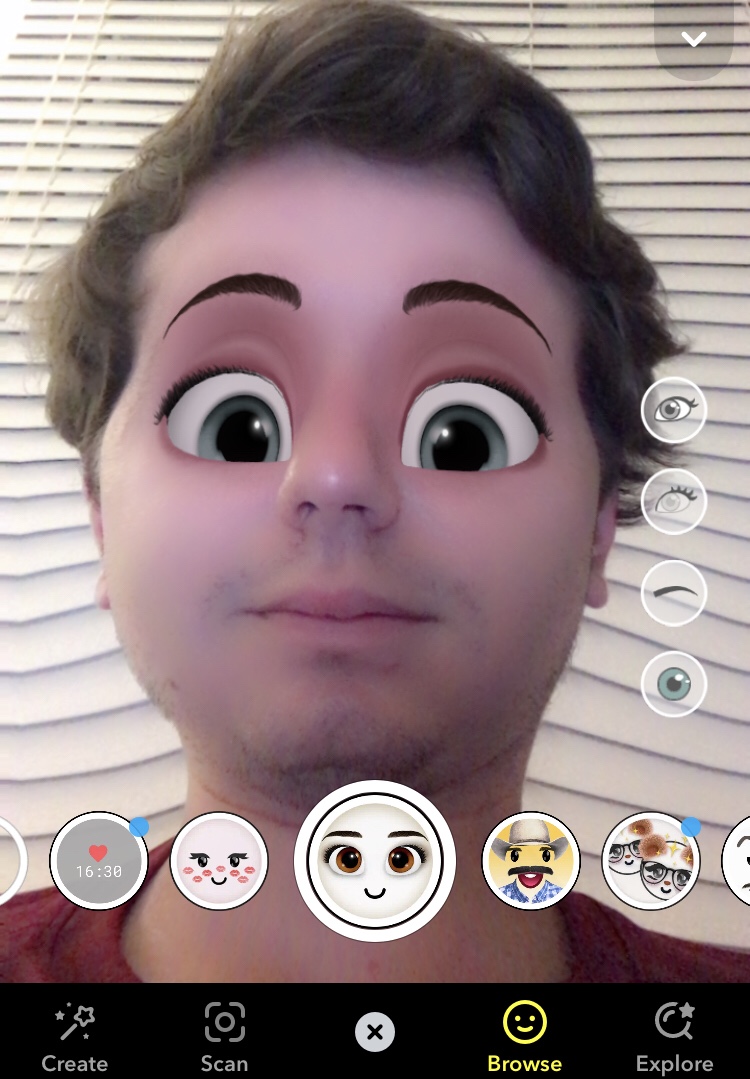
Open Snapchat and hit the face to the right of the circle button.
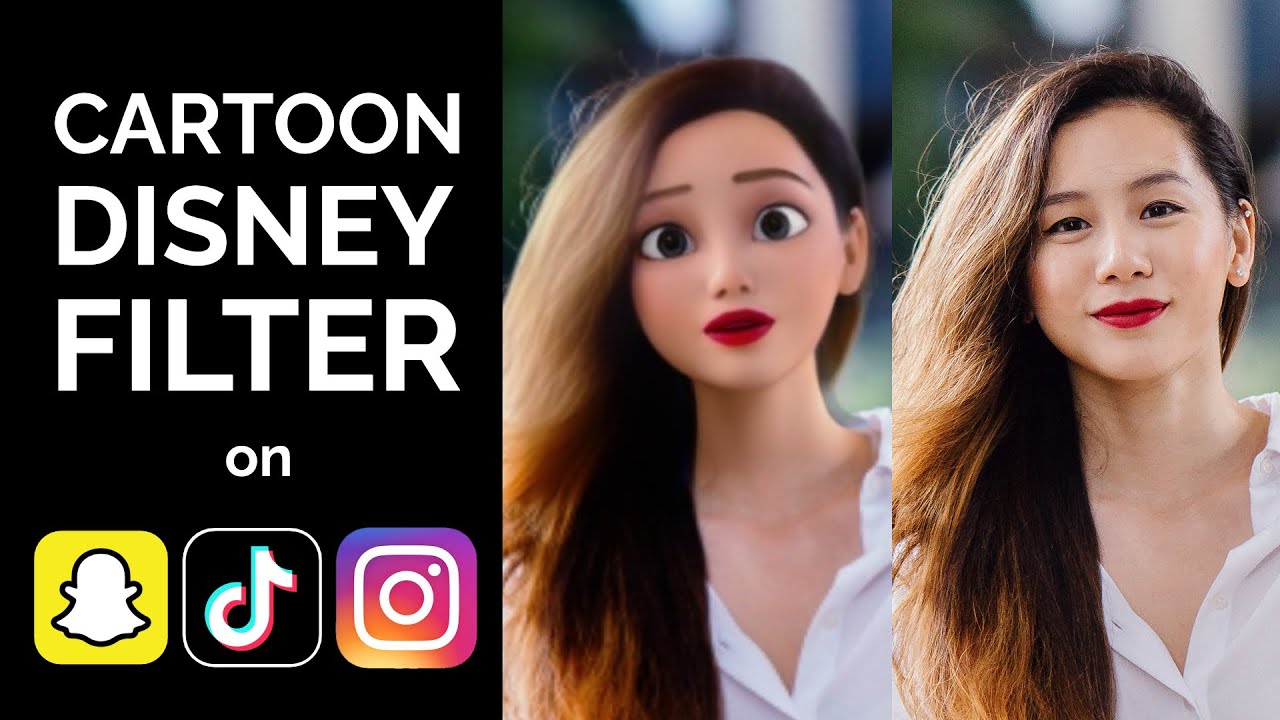
How to find disney filter on snapchat. Here is a guide on how you can use this new Snapchat filter. After selecting a filter you can edit it using. Find a friend whos used the filter in their Instagram stories.
Link To Filter httpsbitly3fGzNBpIn todays video we show you How To Get The Disney Dog Filter On SnapchatIts super easy to do takes less then a coup. Search for cartoon. You can also hit.
Snapchat users can now ramp up the cuteness of their dogs with a new Snapchat cartoon face filter which some users are also calling the dog filter on Snapchat. Get the cartoon Disney filter here. The Snapchat filter popular with TikTok users is called Cartoon not Cartoon face which looks quite similar.
To find Snapchat at the record and provides the replace button. Click the title of the filter under their username in the top-left corner and then select try it from the gray bar that pops up at the bottom of your screen. You can tap on birthday occasions Valentines day and similar or you can simply start from scratch.
Heres how to use it. How to Get Disney Pixar Face Filter via Snapchat. Jump to navigation.
To find this option simply. This new Snapchat filter went viral when a lady named Danielle Sugden shared her Disneyfied dogs on Dogspotting Society a public group on Facebook. Search for cartoon face and once it appears on screen.
The filter makes a dog or a pet look like a Disney cartoon character with big doe eyes. Disney Snapchat filters are fun way to add a little extra pixie dust to your photo memories. The Disney pet Snapchat filter has arrived to transform our four-legged friends into real life animations and people are hooked on seeing their pets like theyve never seen them before.
To get the filter open Snapchat and hit the face to the right of the circle button then hit the explore button in the bottom right. Be honest youve definitely wondered how youd look as your favourite Disney characterWell wonder no more because theres a new filter on TikTok and Snapchat and it actually turns you into a Disney cartoon character. Android customers must cross to the Google Play Retailer click on at the 3 traces within the higher left nook then make a selection My Apps Video games then Updates.
Your easy step-by-step guide to getting the Pixar filter and lens on Snapchat. A new filter on Snapchat turns you into the cutest Disney cartoon on the block. It also gives nicely drawn eyebrows and makes the dog or a pet look more expressive.
The Facebook post has since received more than 16000 likes and approximately 4600 shares at the time of writing. Open the camera to take a picture as you do normally for other pictures. The Disney Pixar character filter is really blowing up on TikTok and Snapchat right now.
From there you can take a selfie to figure out. Any filter that turns you into a Disney or Pixar character is an instant hit with everyone on the platform. In the case of Snapchat the lens is really simple to use as it exists on the app itself.
How to get the DisneyPixar face filter as seen on TikTok step-by-step guide. Viral trend and to find out which Disney princess you look like. It uses transforms your face into a modern-day princess.
Hit explore in the bottom right. Open the app Snapchat and log into your account. The first thing to point out is that technically for.
Snapchat introduced a filter last year that Disneyfied a pet and made it appear cuter The filter became a social media sensation with users adoring it. Fill out the form below for a FREE Quote. Next swipe to the right from the circle button and look for the filter cartoon face.
Snapchat has launched a new Cartoon 3D Style lens that will allow users to transform their selfies into Disney or Pixar-like characters. Once youve done the last step Snapchat will ask you about your occasion. Open your Snapchat app.
It all started with Snapchats Cartoonify effect which went viral back in 2020. Make sure that your Snapchat app is updated and open it. Navigate to the camera screen and tap on the smiling face icon.
Snapchats lenses - specifically face lenses - use augmented reality to transform you and your friends into something new - like puppies. As more users began to use the filter and post photos of their dogs you can now try the Disney filter to yourself on Snapchat. Many netizens shared their own Disney dogs under the comment section too.
A new filter on Snapchat turns you into the cutest Disney cartoon on the block. If Snapchat is at the record click on the replace button to be sure you have the most recent model. The Snapchat filter is easy to use just follow the instructions below.
This filter has clearly become a trendy filter on the social media platform and it has now gone viral. According to the company many Snapchatters have used this lens globally and it has been viewed more than 17 billion times. Snapchat lenses are different from Snapchat filters.
Tap on On-Demand Geofilters. A new filter on Snapchat turns you into the cutest Disney cartoon on the block. How to get the Disney filter on Snapchat.

This Is How To Do That Disney Style Cartoon Filter Everyone Is Using
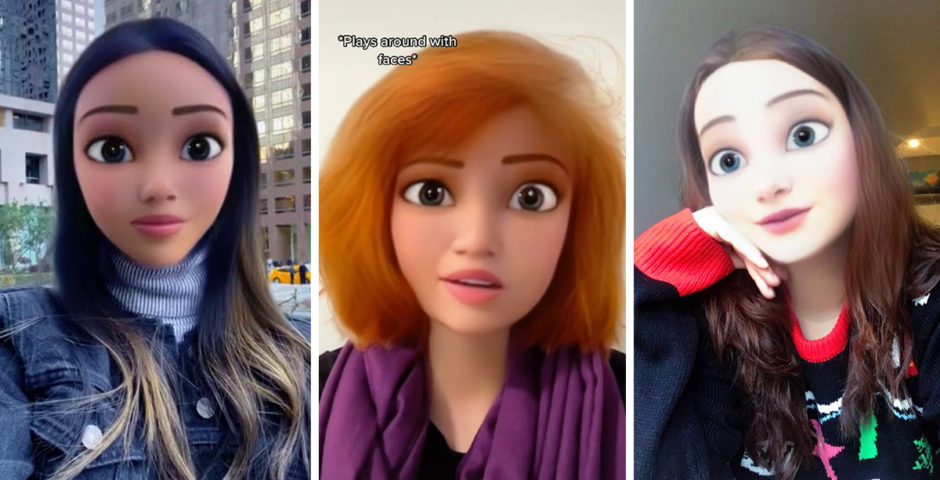
This Is How To Do That Disney Style Cartoon Filter Everyone Is Using


Komentar
Posting Komentar