How To Get Snapchat Location Filters Anywhere 2021
Manga for you anytime anywhere. Given that I recommend you try the desktop mock location app - EaseUS MobiAnyGo to change location on.

Wedding Seating Chart Template With Hand Painted Watercolor Etsy In 2021 Seating Chart Wedding Template Wedding Seating Cards Seating Chart Wedding
Choose who you want to share location with or enable the Ghost Mode to disable sharing location to others.

How to get snapchat location filters anywhere 2021. Promote your website app or products with ads on Snapchat. We would recommend NordVPN. This is bogus just dismiss it.
The very first option should be Filters. A core part of the companys success has come from the filters users can play with and it seems unlikely the company would want to put that success at risk by removing the filters from the app. Frames and artwork friends can add to their Snaps.
Try Snap Camera For Windows Mac. Although Snapchat has faced issues with some of its filters there have been no announcements suggesting the company plans to get rid of filters altogether. You can even add a photovideo from Camera Roll.
You may choose Speed Temperature photo filter or geo filter as desired as your first filter. The best Geofilter Maker for Snapchat. You should now be in the Settings of the app and afters swiping down a tad select Manage Preferences.
A huge 60 of Snapchat users are more likely to make impulse purchases which signals that the. Tap Manage Preferences to open up your Snap options. Get your fingers ready.
Now swipe left or right and select the desired filter. Most of the filters you typically see are made by Snapchat and are universal to all users but you may have noticed some that are specific to your location whether its a city or other public space. Choose a reliable VPN provider.
Open the Snapchat app and Click a snap or record a video. Launch Snapchat on your iPhone and tap on your profile icon. Click on Spotlight at the top.
Open Snapchat and get snapping. You will see the See my Location option in the menu. Once youre satisfied with the video click on Send to in the bottom right corner of the screen.
Snapchats coolest filters are geofilters. Make sure Filters and Location Services for Snapchat are turned off if you have them on already. More than this your friends on Snapchat are also enabled to get your location if turned on.
These filters are normally based on your locati. Open Snapchat and use the camera to create a video clip using filters and music. Design and submit to Snapchat instantly.
Open Snapchat and tap the profile icon on the top left of your phone. How to set fake Snapchat location on iPhone. The switch should remain off.
Augmented reality experiences friends can play with. If you searching from the App Store to find GPS spoofing apps you will find there are few choices that really work. Create a free filter for a location or moment that is special to you.
Generally you need to jailbreak your iPhone to install an iOS GPS faker that can change your Snapchat location. Just follow these simple steps to submit your snaps. If your target audience is under 34 Snapchat might be the perfect platform for your businessespecially if you operate in the direct-to-consumer market.
Ad The 1 Geofilter Maker for Snapchat. How to Change Location on Snapchat on iPhone. Follow our steps below.
Snapchat is a new kind of camera used by millions of people every day to stay in touch with friends express themselves explore the world and take some pictures too. Snapchat uses your phones GPS location services to find out where you are and then gives you the filters for that place. The process of changing your location on a Snapchat map is relatively simple once you know how.
Scroll down until you see Additional services and go to see my location. In this video you will learn how to get ANY GEOFILTER on Snapchat no matter where youre in the. On the next screen tap on the gear icon that is going to be on the top right.
Brief introduction to Snapchat Snapchat offers a SnapMap feature where you get privilege of having fun with the location based filters. If you do not see the option it means your filters are enabled by. Use Phantom for Snapchat--a jailbreak tweak--to spoof your location and gain access to all custom geofilters.
Distribution of Snapchat users worldwide as of July 2021 by age and gender. How to Get Any GeoFilter on Snapchat Anywhere in the WORLD. Before you start do not forget to turn on Location services to get the geo-filters.
Design and submit to Snapchat instantly. Inside settings scroll down through the menu until you reach the Additional Services category. Stay in touch with friends through.
Tap on Settings on the top right corner. Ensure that Filters is enabled with a checkmark. How to set fake Snapchat location on Android.
To turn on Snapchat video filters in Microsoft Teams start by downloading the Snap Camera app for Windows or Mac. The steps are simple and once you enable it your Bitmoji will disappear from the map. Open up Snapchat and go to Feed Settings Manage.
Theyre crowdsourced and paid filters that can only be used by people in certain areas. Thats helpful when you want to dress up your snaps or have some fun with them. Connect to a server in your chosen location.
How to Add Location Information or Filters to a. As your profile opens up click on the Gear icon to access Settings. How to Enable Snapchat Video Filters in Microsoft Teams.
It will give you an alert saying it cant enable Filters. Flip the Filters switch. Download and install the VPN app onto your device.
If youre on SnapChat you can add filters to your Snaps. Accept the terms and conditions and privacy policy prompts before completing the captcha and choosing either the PC Windows or Mac option. Latest Trends on Snapchat.
Tap on the box so the checkmark appears and.
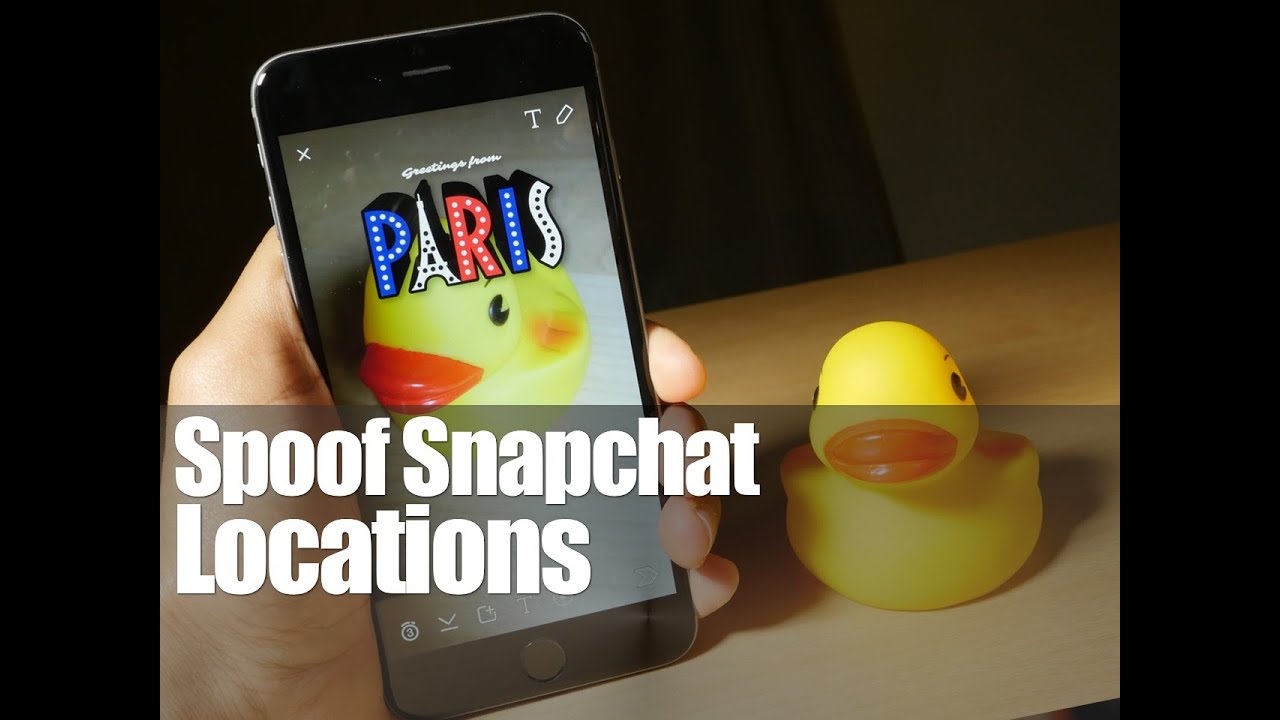
How To Fake Snapchat Location Filters On Iphone Youtube

How To Enable Snapchat Location Filter Youtube


Komentar
Posting Komentar