How To Access Old Snapchat Filters
Tap in the middle of your screen to open the Lens menu. Before you know it your skin will be a little saggy and you would have aged a few decades.
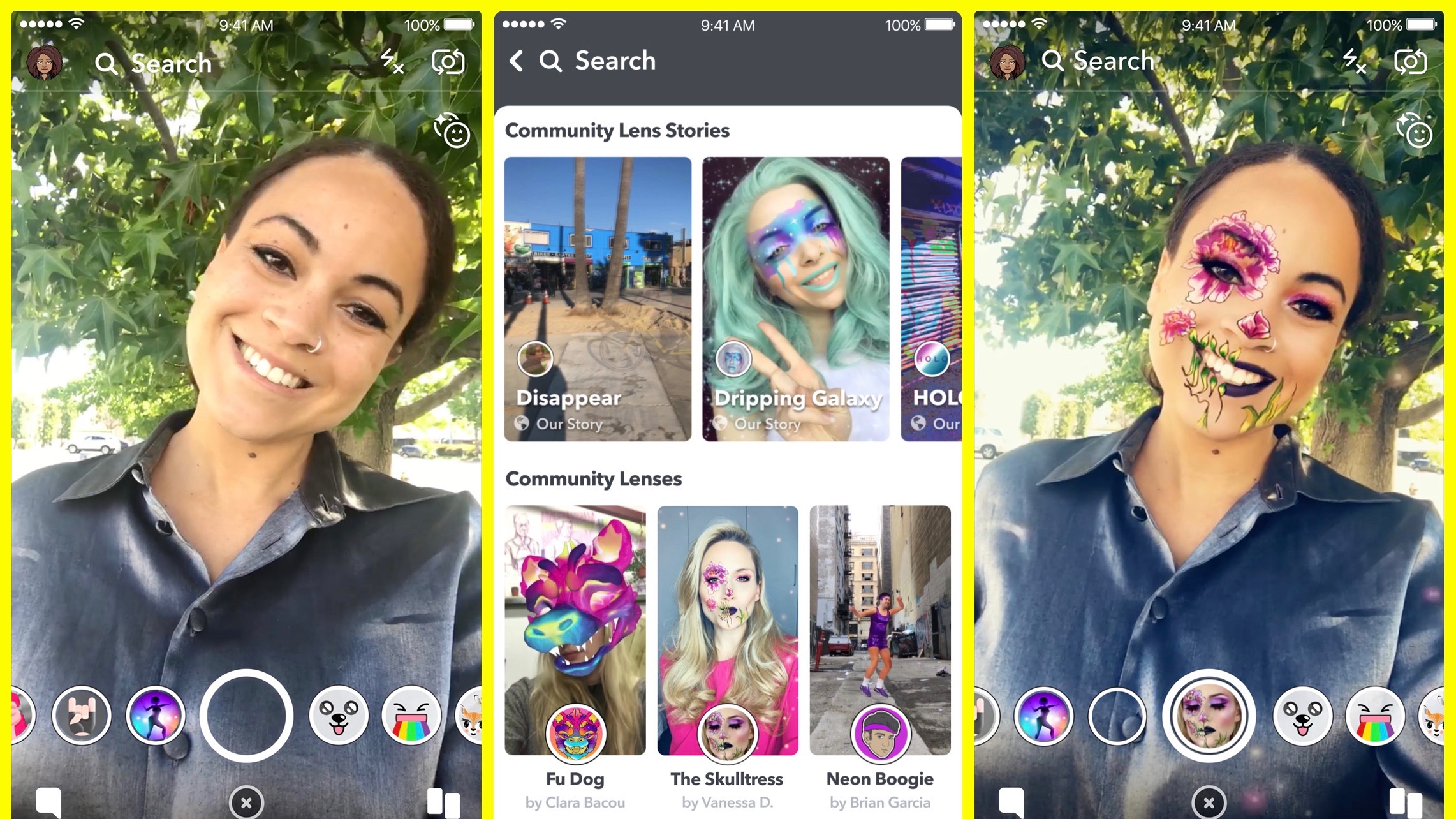
Find Snapchat Filters Created By Anyone Using Lens Explorer Techradar
From the provided options choose to recover your Snapchat account via the linked phone number.

How to access old snapchat filters. And if you hold up a photo of a celeb to the camera you can do the same to them too. On the next screen tap on the gear icon that is going to be on the top right. Enabling Snapchat Filters Download Article 1.
Accept the terms and conditions and privacy policy prompts before completing the captcha and choosing either the PC Windows or Mac option. Whether its a Filter that frames the moments at a friends wedding or a Lens that makes birthdays even more hilarious your custom creations will. Scroll down and.
Do that and the elderly person lens will work its magic. I am Counsellor by profession. Open your Snapchat app and open Snapchat Camera.
You may already have enabled filters on the app and checking to see it you do is also easy. Choose what you want to retrieve and then click on the Recover button. Get access to thousands of new Snapchat filters with the new Snapchat Lens Explorer.
Filter - A design overlay that adds color effects animations distortions etc. Swipe down on the camera screen. Its icon resembles a white ghost on a yellow background.
Heres how to get the oldnew lenses. Every day Snapchat refreshes the available filters but there has previously been no way to access the ones that disappeared. Enter your phone number and then choose whether you want to use the message or call option.
Simply check for available updates on your Android or iOS device. I was finding my favourite filters. These are hidden in tweets regular URL filter links and so.
Snap Map lets friends see each others location on a map which isnt always safe. The Snapchat recovery software will detect and recognize your iPhone once connected. Watch this video to learn more about this feature how to use it and ho.
Snapstreaks requires kids to exchange messages for as long as possible which is a major time-suck. Doing so will open your profile. The human faces used in.
Click on Scan to begin scanning. Click the star icon on a lens to save it. If you arent already logged into.
This process is actually a lot of fun as hidden filters and lenses can be found in Snapcodes. Click the name of the filter and it will automatically open Snapchat with the filter activated. Find out with this elderly Snapchat lens.
I am creating this video to help all Snapchat users to find old filters back. It only takes a couple of steps to unlock secret Snapchat filters. Scroll through the menu and find the lens youd like to use.
View and recover old Snapchat photos and videos. While self-deleting images may be Snapchats major selling point we may find ourselves wanting to view old snaps from time to time saving them may not have crossed our minds at the time. Firstly go to the Snapchat app tap on the log-in option and simply select the feature of Forget your password.
Assuming that youve already unlocked the grandpagrandma lens all you need to do is point the camera at your face itll automatically switch to selfie mode. When you first open the app you will need to tap on the ghost icon at the top. Snapstreak - When two users exchange Snaps for more than three days in a row.
With a constantly updated supply of photo filters effects and fun features Snapchat feels like a party. Its in the top right corner of the screen. In the Settings youll find the an option labeled My Data.
How to Enable Snapchat Video Filters in Microsoft Teams. Chat - A messenger that you can access by swiping right from the camera interface. Memories - Save and share old Snaps in a private archive inside the main app.
But the app poses some risks. 2020In this video I show you how you can find old snapchat filters back are you looking for an old snapchat filter. I prefer the message option as it is easy to use.
You can also scan the Snap codes in Snapchat to access the filters. How to Find Old Snapchat Filters BACK. Its super easy to use.
Open the Snapchat app. Login to Snapchat and tap your profile icon at the top. Tap on the Lens Explorer icon thats on the bottom right part of the screen.
A few minutes later you can preview all the recoverable photos and videos from Snapchat. To learn how to recover Snapchat without an Email account you can follow this basic drill. Heres how to do it.
To turn on Snapchat video filters in Microsoft Teams start by downloading the Snap Camera app for Windows or Mac. Tap the gear at the top to access the Settings. And Quick Add allows kids to.
Click the star icon which appears when you hover over a particular filter or lens to add it to your favorites and make it easier to access. You can directly access the filters from the links provided below. Unlock New Snapchat Filters.
SNAPCHAT has added a new filter that lets you age or youth-ify your face in real-time. Discover offers some age-inappropriate content. Create your own Snapchat Filters and Lenses.
Now all you need to do is enter the OTP that you have received and then enter the new password that you want to use. But it was t. In case you chose the recovery by phone option.
How To Use Snapchat Time Machine Baby Old Age Filter Youtube
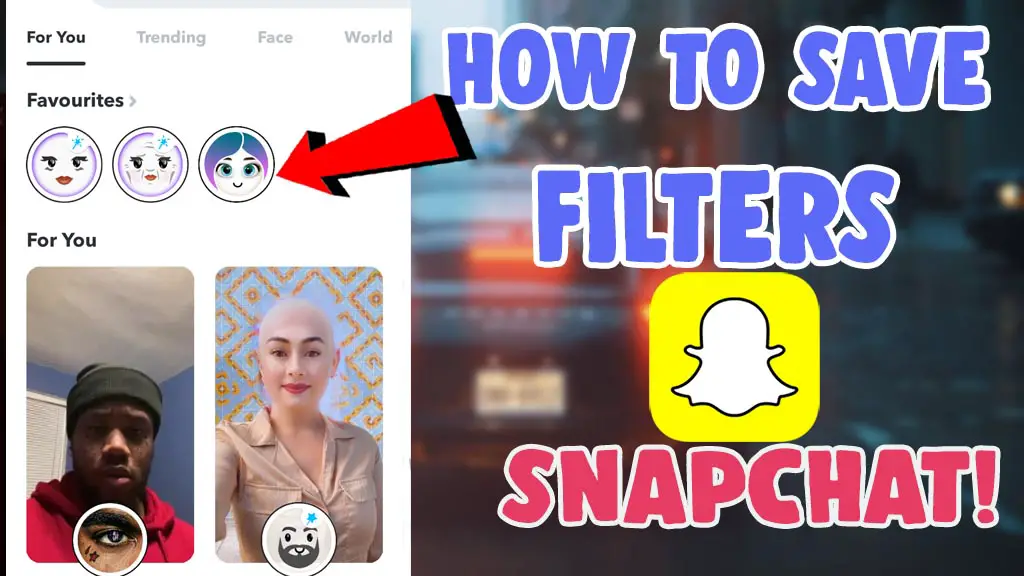
How To Save Filter Lenses On Snapchat Forever 2021 Salu Network


Komentar
Posting Komentar