How To Put A Picture Instead Of Bitmoji On Snapchat 2020
Tap Avatar in the lower left-hand corner. As it seems a bunch of things.

How To Change Your Profile Picture On Snapchat 14 Steps
You can send the Bitmojis in chats or add them on as stickers onto your snaps.

How to put a picture instead of bitmoji on snapchat 2020. Then just follow the prompts to link up your Bitmoji account to Snapchat. Take a picture press the send button and in the part where you pick a person to send it to you press My Story instead. In order to use Bitmoji Kits features in your app users must be logged into Snapchat.
Version 1100 iOS May 20 2021. In the Bitmoji app tap on the round gear icon in the top-right corner. Bitmoji in some instances fails to work due to several reasons.
You can now use Bitmoji on Snapchat. Youve in all probability seen a Bitmoji floating around on Snapchat Facebook or Instagram. Then hit the plus sign to create a new Memoji.
Open Snapchat and tap your profile icon in the upper left-hand corner. Start by selecting the gender. Select Continue and your camera will be accessed to take a picture of you.
You will have to give permissions to use the camera first if you havent done so already. Once its created tap on it to select a pose for your Memoji and set it as your profile image. Snapchat is replacing Snapcode pictures with Bitmoji and people arent happy.
As one of the most popular social media networks Snapchat has gone through quite a lot in the past couple of years. When this happens the users find it difficult to access the Bitmoji services. The issue is caused by technical errors that stops a.
Find the Settings icon in the top right corner and tap to open. Open the Bitmoji App on your phone. Back in March Snapchat bought Bitmoji an app that lets users create cartoon avatars for 100 millionToday we finally know why and boy oh boy is your mom going to be excited.
From the home screen tap the icon in the top left corner of your screen. The avatar icon gives users a familiar visual identity within your app. Nobody likes the emoji being you main pictureheres t.
The Bitmoji app exposes a world of pot. Earlier this week Snapchat released an update that quietly changed the way profile pictures work in Snapchat. Launch Snapchat and log in to your account.
Added the ability to disable content shares to Spotlight using Creative Kit. Bring your Bitmoji Classroom to life by using a 3D animated Bitmoji from Snapchat. As youre taken to.
Allow Bitmoji to access your camera so you can take a selfie Center your face in the circle in good lighting. How to change your profile photo on Snapchat Step 1. Scroll down and choose Change Outfit Select the one you like and tap Save in the upper right-hand corner.
The Bitmoji Classroom is interactive and allows students to click and be d. Android Studio 30 Gradle 30 Android API Level 19 Getting Started. Launch the Snapchat app.
However what area unit these lovable full-sized avatars for anyway. Tap on Change Avatar Style Swipe to select the avatar style you want. Open the Snapchat app and click on your Bitmoji icon in the top left hand corner of the screen.
Tap on the Bitmoji section under My account. Users are required to know how to fix Bitmoji is not working on Snapchat. How do I change Bitmoji on Iphone.
The sticker picker lets users browse search and send Bitmojis. Users can access their Bitmoji sticker library in just a tap making messages more fun more expressive and truly personal. Its the yellow icon with a white ghost typically found on your home screen iPhoneiPad or in the app drawer AndroidStep 2 Tap the Ghost.
Tap Continue when youre prompted to start with a selfie. Or select Edit Bitmoji at the top left corner and skip the next step. Answer 1 of 6.
Step 1 Open Snapchat. Tap on the profile photo that you have set as your photo right now. Now select one of the selfies with a mask.
To add them as a sticker take a picture or video then hit the turning page icon next to the T. Open up the Snapchat app Step 2. Bitmoji Kit allows developers to bring native Bitmoji experiences straight into their app.
Updated the Bitmoji avatar creation flow to deeplink users to Snapchat instead of redirecting them to download the Bitmoji app. This lets you add the. Bitmoji Kit requires Login Kit to be able.
Bitmoji Kit Android gives you access to two Bitmoji features the avatar icon and sticker picker. Tap on the profile icon on the top left of the screen. A new screen will open showing a Create Bitmoji button.
Scroll down and press Select Selfie. Tap Bitmoji at the top left corner of the camera screen. Its at the top-left corner of the screen1 X Research sourceStep 3 Tap Create Bitmoji.
Select Unlink on the dialog box to. Tap Change My Bitmoji Selfie. Select an avatar that looks like you.
Tap on the small icon in the top left corner to open your home screen. For an already amended picture select the picture press the three dots icon at the top corner press edit and send to My Story. Under My Account select Bitmoji.
Scroll down and tap on Create Bitmoji under Bitmoji. If you dont like any of them you can always change your Bitmojis features after. Its at the top-left corner of your profile.
On the next screen tap on Unlink My Bitmoji at the bottom. How do you put a picture instead of Bitmoji on Snapchat 2020. Next tap on the gear icon at the top right corner of the screen.
You can use a photo of yourself across the web but if you want to have some fun and maintain a semblance of anonymity on the web you can use a cartoony. This video is going to show you how to remove the bitmoji and get your snapchat Profile picture back. Next position yourself so that your face is inside the white circle and tap on the shutter icon on the bottom to take the picture.
The app is now preparing for a global release of a new feature known as Bitmoji TV. To create a Memoji from your profile picture and name settings hit the picture circle next to the name fields. Added the ability to authenticate with Firebase utilizing Snapchat as the identity provider.
You would possibly even have the Bitmoji app.

Snapchat Is Replacing Snapcode Pictures With Bitmoji And People Aren T Happy The Verge
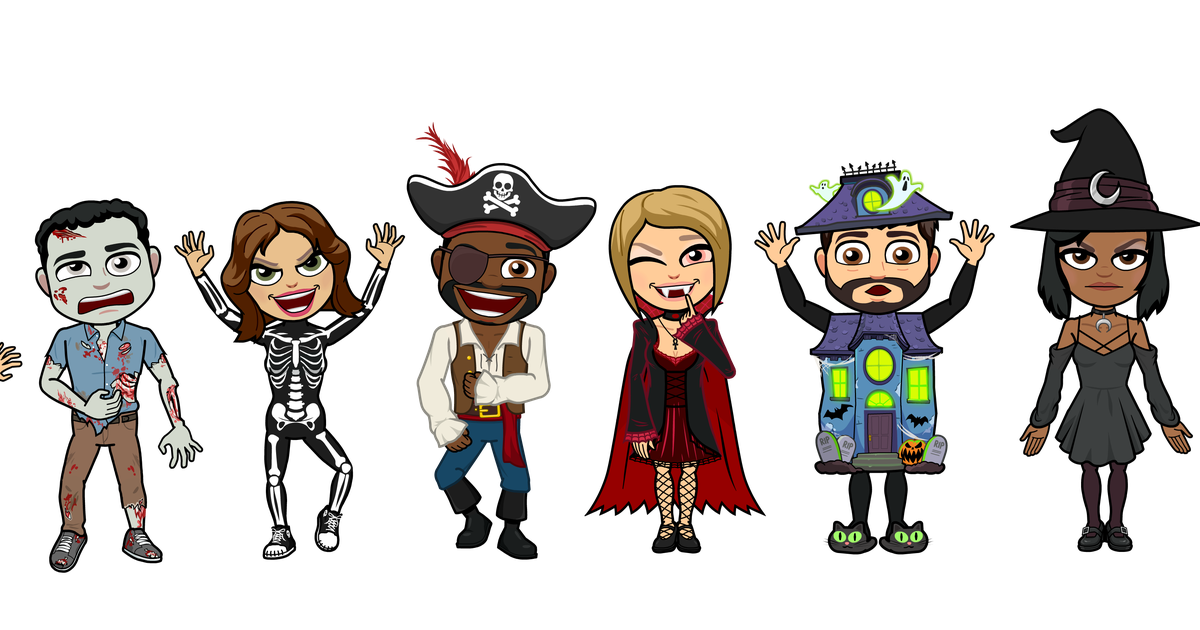
Snapchat And Bitmoji Team Up To Celebrate Halloween Snapchat Halloween Cool Halloween Costumes Spirit Halloween


Komentar
Posting Komentar