How To Put Someone Else's Bitmoji On Your Snapchat Story
In this video I go over Bitmoji Stories. Then look for the Snapchat.

3 Ways To View Snapchat Stories Wikihow
This makes these stories really perso.
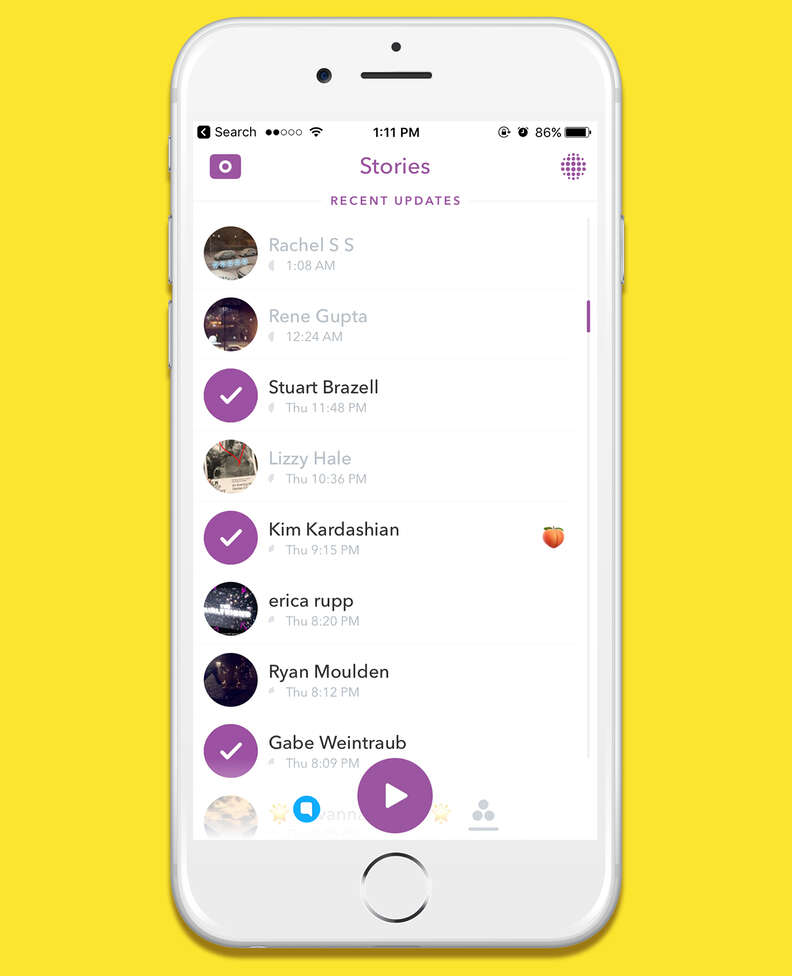
How to put someone else's bitmoji on your snapchat story. But first you. Snapchat released Snap Map yesterday. HOW TO MAKE FRIENDMOJIS WITH A BITMOJI IN SNAPCHAT.
How to put someones Snapchat on your story How To Make a Private Story on Snapchat and How To Let. To add them as a sticker take a picture or video then hit the turning page icon next to the T. If not youll need to enable Bitmoji stickers first.
Select your desired backdrop from the menu on the right. Your very own comic strip. Answer 1 of 3.
You can send the Bitmojis in chats or add them on as stickers onto your snaps. Go to the face icon to find your Bitmojis. Launch Messages from your Home screen.
Tap the Private Story in from the Stories section. Httpfullsc1jqvDJmsnapchat Bitmoji Other Channels Music Channel. Snapchat was the first to introduce the concept of Stories.
Step 1 Open Snapchat. Friendmojis are the new way to show who your real best friend is. Then the bitmoji of this guy ive been talking to shows up at my bitmojis house asks if my bitmoji is feeling better and asks why she hasnt.
Using the new Friendmojis feature you can send stickers that combine your Bitmoji with your friends. Tap on the Bitmoji section under My account. Tap on the small icon in the top left corner to open your home screen.
Press and hold on any Friendmoji to reveal a list of your friends avatars. This process is possible on iPhones iPads and Androids. Its the yellow icon with a white ghost typically found on your home screen iPhoneiPad or in the app drawer AndroidStep 2 Tap the Ghost.
Check them out on Snapchats Discover page. How To Post To Snap Map Anywhere And Prank Your Friends. You and your friend.
Go to the beach open the Snapchat app and your Bitmoji will start making castles in the sand. This post shows how you can post to snap map anywhere in the world without being there. To date nearly 190 million Snapchat users have interacted with the camera effect.
Play a Round of Golf. Whats more they feature your own Bitmoji avatar along with the avatar of the person you last interacted with. Now it has been adopted by pretty much every social networking site out there of course but the original hasnt lost its charm.
Open your Snapchat app. The latest example is Smile an AR Lens that according to a Snap spokesperson uses a machine-learning algorithm to morph a persons likeness into the specified emotion. Choose a friend from the pop-up list.
Find the Settings icon in the top right corner and tap to open. Now select the friends that you want to share the private story with. This lets you add the big emojis.
If youre standing near an airport your Bitmoji will be shown as taking a break with luggage on its back. More on how to use Bitmoji in Snapchat. The Bitmoji stories are a feature unique to Snapchat.
Visit a golf course with your Snapchat open and play a round of golf with your Bitmoji. Theyre fun unique stories served to you every day with a different theme. Take Your Bitmoji to the Beach.
In short youll need a Snapchat account to start. From Time Machine to Cartoon 3D Style Snapchat has strung together a run of viral AR Lenses as consistently as Beyoncé drops hits songs. Put your bitmoji anywhere on the map.
You can only use Friendmoji with Snapchat friends who also use BitmojiStep 2 Open. Here youll find your Stories your friends Stories and Stories from brands and creatives in the Discover section. How to use Bitmoji in iMessage.
If you have Messages set up to automatically enable new sticker packs it should just work. Then download Bitmoji from the App Store make your own personal emoji in the app then head back over to Snapchat. This will unlink your bitmoji on Snapchat.
Make sure you have Bitmoji linked to Snapchat and search for. Todays bitmoji story consisted of my bitmoji sitting on the couch sick trying to find a show to watch. To use Friendmoji stickers in Snapchat both Snapchatters must have their Bitmoji successfully linked with Snapchat.
How to stop others from seeing your Snapchat Story. Outline the object you want to have in front of the Backdrop dont worry you get multiple tries at this Tap the return arrow to undo a mistake and try again. Bitmoji Stories is the best way to see what your Bitmoji is up to.
You can send Bitmoji in a chat on Snapchat and stick sort of like a sticker them on snaps photos or videos that you share individually with friends or broadcast via your story. Just like Cameos Selfies Snapchat by default allows any user on Snapchat to see your Snapchat Stories. Its at the top-left corner of the screen1 X Research sourceStep 3 Tap Create Bitmoji.
A new screen will open showing a Create Bitmoji button. Your Friendmoji list will then refresh with your selected friend. Bitmoji can now be used as a first-class iMessage sticker thanks to the app extension.
Under My Account select Bitmoji. Swipe right to access the Stories screen. As youre taken to the Bitmoji app tap on Create with Snapchat.
Open the Snapchat app and go to your Profile page. Its at the top-left corner of your profile. Swipe to find your friends avatar.
Once youve chosen your scene tap and hold the screen and select the Friendmoji Lens from the carousel then add your Bitmoji and your friends Bitmoji to the Snap. Originally available in the Snapchat app users now have access to Friendmoji within the. Or select Edit Bitmoji at the top left corner and skip the next step.
On the next screen tap on Unlink My Bitmoji at the bottom. Take a Break While Traveling. Next tap on the gear icon at the top right corner of the screen.
Select Unlink on the dialog box to confirm. How I promoted MRKTRS in 15 minutes by growth hacking snapchat and posting to snap map around the world. You can find a collection of your Snapchat information on this screen eg your account info Bitmoji location on the Map Story management and more.
My bitmoji found some stupid animated show and ended up binge watching it well past her sickness. Step 1 Install and set up Bitmoji. Before you can create a Friendmoji on Snapchat you must install the Bitmoji app create an account set up a Bitmoji avatar and link the avatar to Snapchat.
Tap the scissors icon then tap the box with diagonal lines. Tap on Create Story after selecting your friends.

Snapchat How To Add Your Bitmoji And A Friend S Digital Avatar To A Snap The Independent The Independent
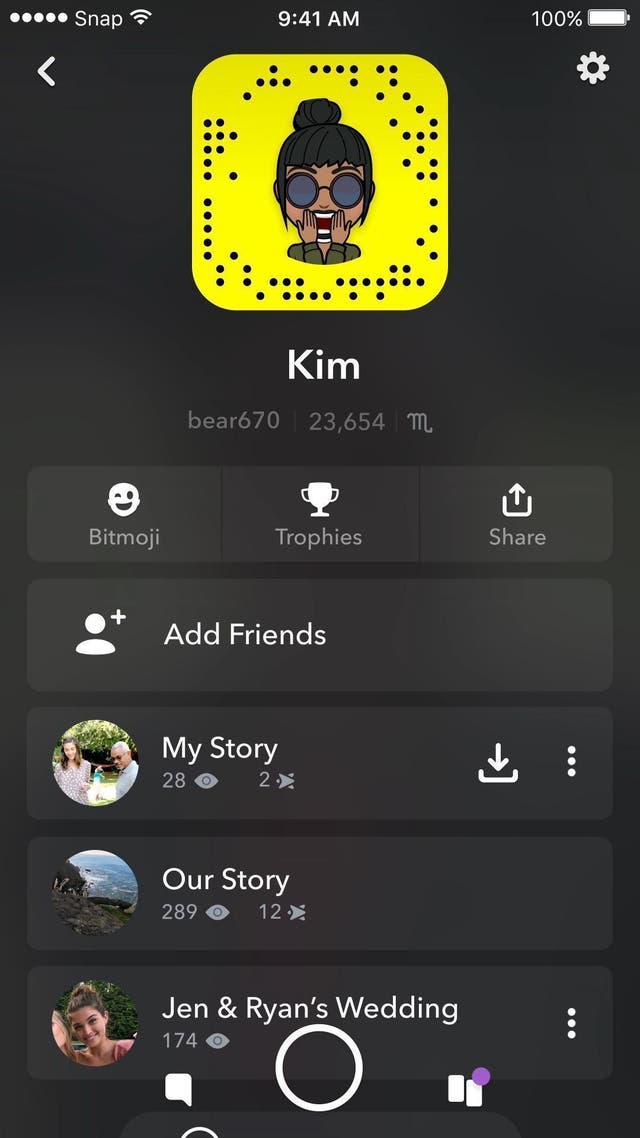
Snapchat Update Lets You Send Stories To People Who Don T Use The App The Independent The Independent


Komentar
Posting Komentar