Why Do Certain Snapchat Filters Only Work On Front Camera
Try Snap Camera For Windows Mac. Find the Lens in My Lenses.
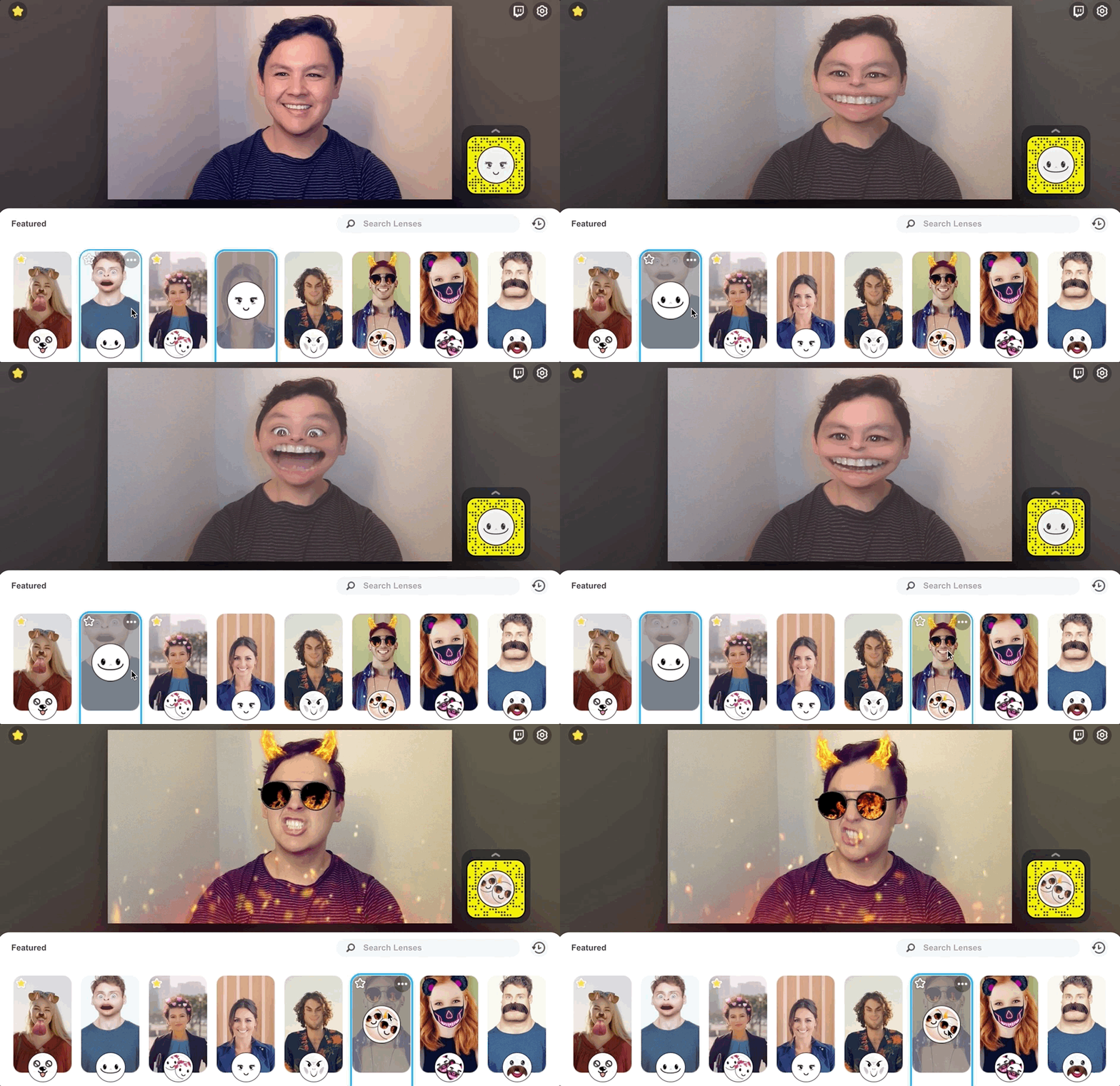
Snap Camera Lens Studio By Snap Inc
Available for macOS and Windows 10 Snap Camera brings all of the filters and effects from Snapchat to desktop OSes so you can appear with.

Why do certain snapchat filters only work on front camera. Click on the menu three dots Toggle Do not promote to on. The users have complained that when using the front camera in the Snapchat app the camera zooms in more than usual thus cropping the pic a bit too much and resulting in bad user experience. A high majority of smartphone users prefer clicking selfies from picture filtering apps rather than using the normal front camera.
This is because of the space snapchat has for filters. A list of compatible and. Restart your phone This should usually work but it is a pain to do this every time the camera breaks If that doesnt work try restarting Snapchat turning off your phone for a few minutes then turning it on again.
A new Lens on gaming Choose Lenses that match your play-style persona or mood. Using the Uganda Knuckles one as an example you could simply tap the link then your Snapchat app would open and youd immediately be prompted to unlock the new filter or lens. In this article youll learn about some common ways to deal with camera issues in Snapchat.
From the main screen of the app tap the location indicator in the lower left-hand corner then tap Allow Snapchat Lense Issues. Accept that some apps wont work with virtual cameras like Snap Camera. Click Okay to confirm.
Any Lens can be set to Hidden. Some phones that are running Android 50 or newer may also be unable to use the new face filters as the hardware within the device doesnt meet the apps benchmarksIf this is the case the only way to use the filters is to upgrade to a new device. Some filters only work in certain locations.
Snap Camera essentially a desktop version of the Snapchat app allows you to use your computers built in camera to chat livestream and of course try on every hilariously ridiculous filter. Configuring Visibility Settings in My Lenses. The Lens youre looking for may not be approved yet or it may not be compatible with Snap Camera.
Front Camera - Snap Camera always opens to the front camera and can never switch to the back camera. Restart Snapchat unlikely to work but worth a try Restart the camera app. Uninstall Snapchat restart your phone and.
See how he also is able to request the spirit to do certain things making the chances of this happening accidental minute. The only filters that dont go away are the face swap one and the puppy face one because they are what I refer to as Snapchat Originals. I am also having this issue with snap camera This does not seem to be an issue with Zoom rather an issue with Snap camera My video camera works fine and can be used by multiple other apps correctly although snap camera cannot initialize it at all doesnt matter what I do with zoom or even if its uninstalled I have up to date drivers I have tried running snap camera as admin I have.
If the camera doesnt work properly it negates the entire point of the app. Certain lenses and filters can be unlocked by simply opening a hyperlink on your phone. Audio Effects - Similarly Snap Camera doesnt support Audio Effect.
Note Lenses can still have an Audio Effect and it will work when unlocked in Snapchat. If you planned to use Snap Camera with Safari and FaceTime on a Mac then youre out of luck as it wont work those apps on your computer. Keep this in mind when using the CameraFrontEvent and.
To change the setting on a Lens that you do not want to be found in Snapchat or Snap Camera follow these steps. If your cell phone is Android or iOS you should not have problems although it is also essential that the smartphone has a front camera so you can use filters for selfies videos and rear camera for group photos. The most important way you can do before the more superior troubleshooting test is to install the new update.
Enable Filters - do this by tapping on your account icon in the top left-hand. If you made a Lens and it was rejected please review the Community Lens Guidelines. Besides filter problems issues with Snapchat lenses are also surprisingly common.
The only way to prove this is catching spirits is to give a command tell it to appear again and facing pointing the camera in a different part of the room. Since uou can only see the dog filter it may be due to the usage of that filter over the others which makes it loaded before the the other filters. Otherwise you should be able to find your Lens by pasting its Lens link in the search bar on the Camera screen as soon as the Lens is live.
Certain apps on your PC are not designed to work with third-party add-ons including your virtual camera software. If the gender changing filters arent working for you here are some things to try. Create your own Snapchat Filters and Lenses.
Whether its a Filter that frames the moments at a friends wedding or a Lens that makes birthdays even more hilarious your custom creations will. You can refresh or clear the cashe memory and then let the app load all the filters ag. Snapchat takes a strong internet connection.
While the Snapchat Lens feature is super easy to use once you have it. How to use Snap Camera Watch this quick tutorial and learn how to introduce your AR self to the Internet. Snapchat Filter Not Working.
Open the Snapcode or Link in Snapchat. Answer 1 of 2. Using Snapchat filters on your Zoom calls kicks your video chats up a notch.
Some of these methods will address camera problems in many different applications so feel free to try them any time your camera is acting up. Marker Tracking - Marker tracking is not supported at this time when using Snap Camera. We have seen that monthly updates repair.
Update the latest version of Snapchat.
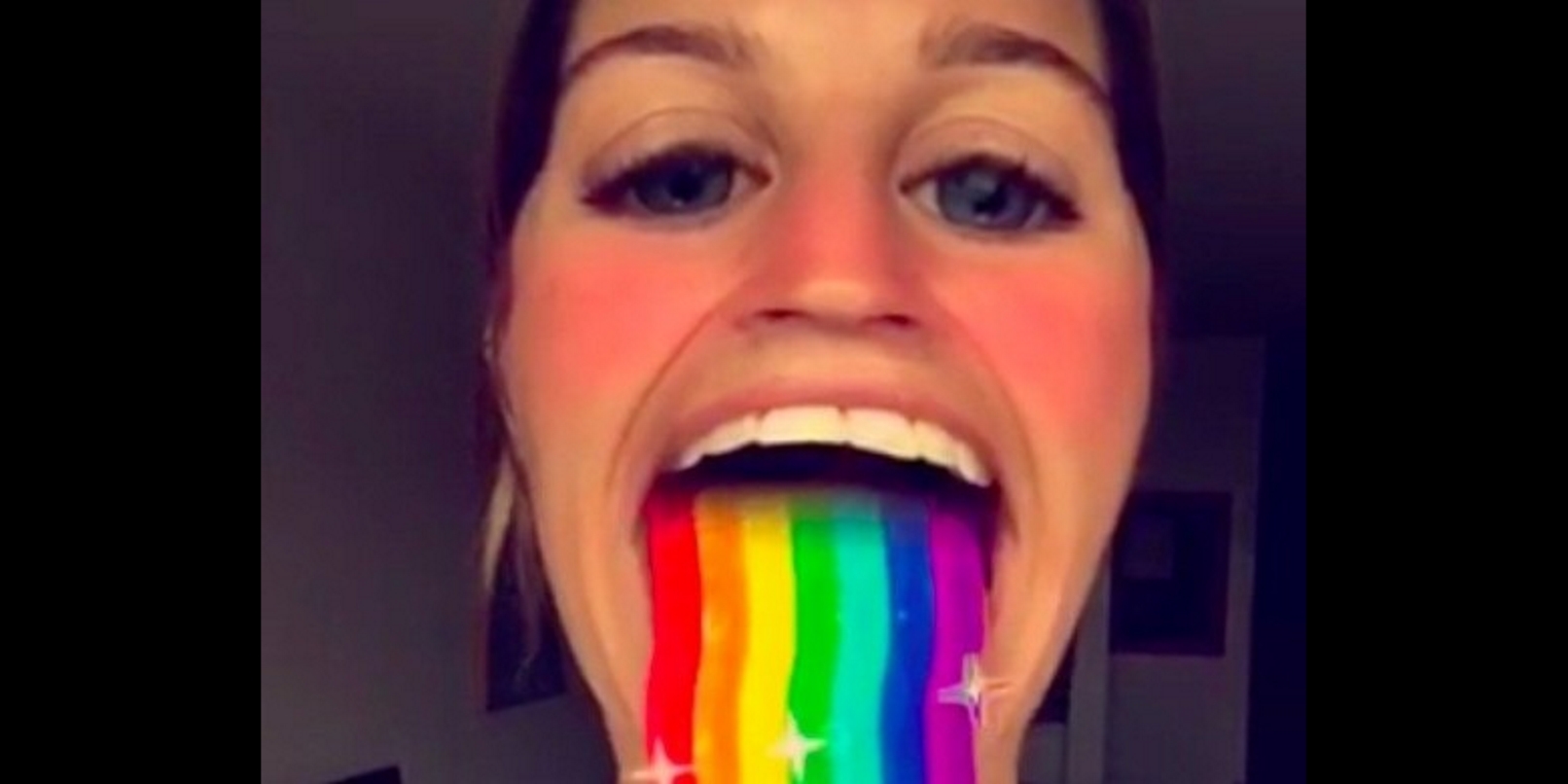
Snapchat Adds Filters To The Rear Camera So You Don T Have To Selfie To Rainbow Barf

Snapchat Lets You Face Swap With Your Camera Roll Drops Paid Replays Techcrunch


Komentar
Posting Komentar