How To Find Friend Bitmoji On Snapchat
To open Bitmoji Stories on Snapchat just on the discover or search bar provided on snapchat search as bitmoji stories thats it you will be able to see the bi. Its at the top-left corner of the screen1 X Research sourceStep 3 Tap Create Bitmoji.

Snapchat Now Lets Everyone Make Bitmoji Shortcuts Of Their Friends The Verge
Now tap on Create Bitmoji.

How to find friend bitmoji on snapchat. Next hit the Profile icon at the top. Its at the top-left corner of your profile. In My Account select Bitmoji.
In the top left hand corner of your screen tap your profile icon which may appear as a Bitmoji. To use Friendmoji stickers in Snapchat both Snapchatters must have their Bitmoji successfully linked with Snapchat. Swipe to find your friends avatar.
When the settings page opens touch the option Bitmoji and then click on Create a link to your Bitmoji. Step 1 Open Snapchat. Another reason you may not be able to find a friend is if they choose to go into Ghost Mode.
Press and hold on any Friendmoji to reveal a list of your friends avatars. Open the Snapchat app and click on the program icon at the top. Tap My Contacts and toggle on Connect Contacts so that you can see your friends in your stickers.
For iPhones when you open Snapchat tap your Bitmoji in the top left corner and then tap your Settings. On the next screen tap on Unlink My Bitmoji at the bottom. Alongside using the Snapchat map you can also find new experiences.
Tap Phone and enter YOUR own phone number. A new screen will open showing a Create Bitmoji button. On the screen that opens touch the gear icon on the top right to access the settings.
Your Friendmoji list will then refresh with your selected friend. If your friends have been snapping up a storm lately you may be wondering how to know if you have 3D Bitmoji on Snapchat too. Find the Settings icon in the top right corner and tap to open.
For example if they are at a swimming pool you will see a Bitmoji in a swimsuit. Under My Account select Bitmoji. Slide the Allow Full Access switch to the On green position.
If they dont have their Bitmoji account linked then youll see them as a blank Bitmoji outline. Choose a friend from the pop-up list. This will take you to Bitmoji app.
Follow these steps to do so. In the Profile screen scroll to find Bitmoji. If you dont see this option be sure to download the latest version of Snapchat via an update through the App Store.
Furthermore Snapchat users can use Our Story Snapchat map feature to add their snaps. Next tap the gear icon at the top right corner. Tap on the small icon in the top left corner to open your home screen.
Tap the back button to return to the Keyboard list. Both you and your friend must have the toggle turned on to use Friendmoji. If your friends Bitmoji account is added to Snapchat their Bitmoji characters will appear on the map.
Toggle on Let others find me using this number. Sure you could ask someone for help but do you really want to out. Tap on the Ghost icon at the top left corner.
Snapchat is brimming with features that will help you drive audience engagement and build brand awareness. Tap on the Bitmoji section under My account. So when users found that their Bitmoji stickers were missing from the Snapchat app on Thursday they werent happy.
After introducing the Bitmoji avatars back in 2017 the social media app has unveiled a series of 3D avatars recently. First open the Snapchat app then choose the avatar style Bitmoji Deluxe in My Profile. If you created your Bitmoji using the Snapchat login then it will not only be removed.
Thats it next you will see the location on Google Map. Select Unlink on the dialog box to confirm. Just below your profile information tap the Find friends on Snapchat button which will.
Snapchat Location Tracker by iStaunch is a free online tool that lets you find an IP address and track the location of someones Snapchat account in real-time. Tap Bitmoji in the list. Snap Available to all users since day one a Snap is a picture or video that you send through the app to one or more of your friends.
Meanwhile with Bitmoji Stories all you have to do is sit back and laugh as Snapchat compiles a weekly comic strip starring you and your friends which can be found in the Discover feed. Its the yellow icon with a white ghost typically found on your home screen iPhoneiPad or in the app drawer AndroidStep 2 Tap the Ghost. Snapchat has introduced a 3D Bitmoji recently.
Any user who has a Bitmoji linked to Snapchat can simply open the camera and tap the screen to open lenses where they can swipe until they find the Bitmoji according to Snapchat. If the link opens in a browser tap on Open at the top right to launch the Bitmoji app. You can find your friends by looking for their Bitmoji on the Snap Map.
That will bring up a long list of things but you should look for and tap Notifications At the top of the screen should be what youre looking for. If prompted to do so follow the on-screen instructions to confirm this change. Snapchat features and terminology.
Open your Snapchat app. Sometimes their Bitmojis might even show if theyre driving walking flying in a plane you name it. This will unlink your bitmoji on Snapchat.
Your existing Snapchat friends will see the 3D Bitmoji when they click on your profile but anyone looking to add you as a new friend via Snap code will only see the 2D version. But first lets take a look at some key Snapchat terminology. Just enter the Snapchat username whose location you want to track and tap on the submit button.

Set Up Friendmoji On Ios Bitmoji Keyboard Bitmoji Support
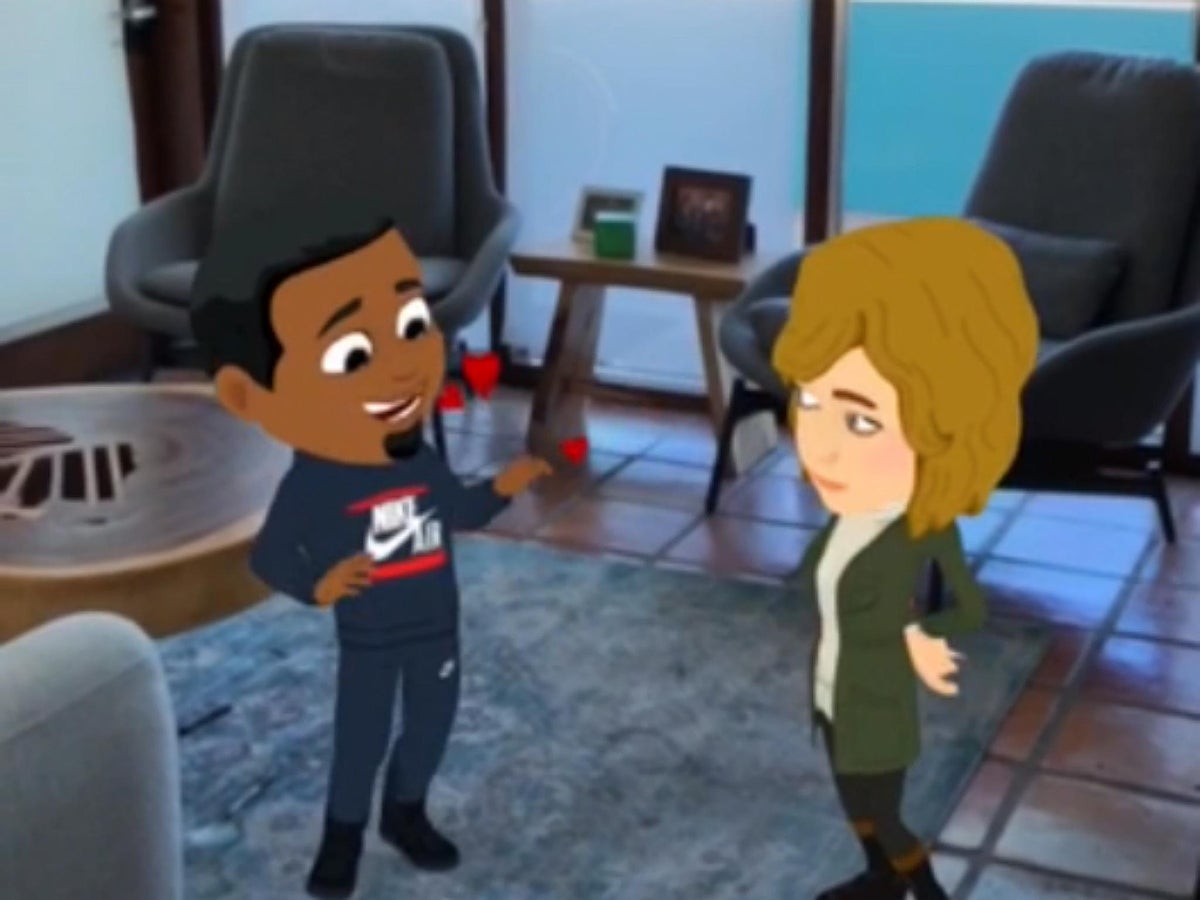
Snapchat How To Add Your Bitmoji And A Friend S Digital Avatar To A Snap The Independent The Independent


Komentar
Posting Komentar