How To Change 3d Bitmoji On Snapchat
Click here to get started. Open Snapchat tap the ghost at the top of the Camera screen then tap the gear icon to open Settings and tap Bitmoji.
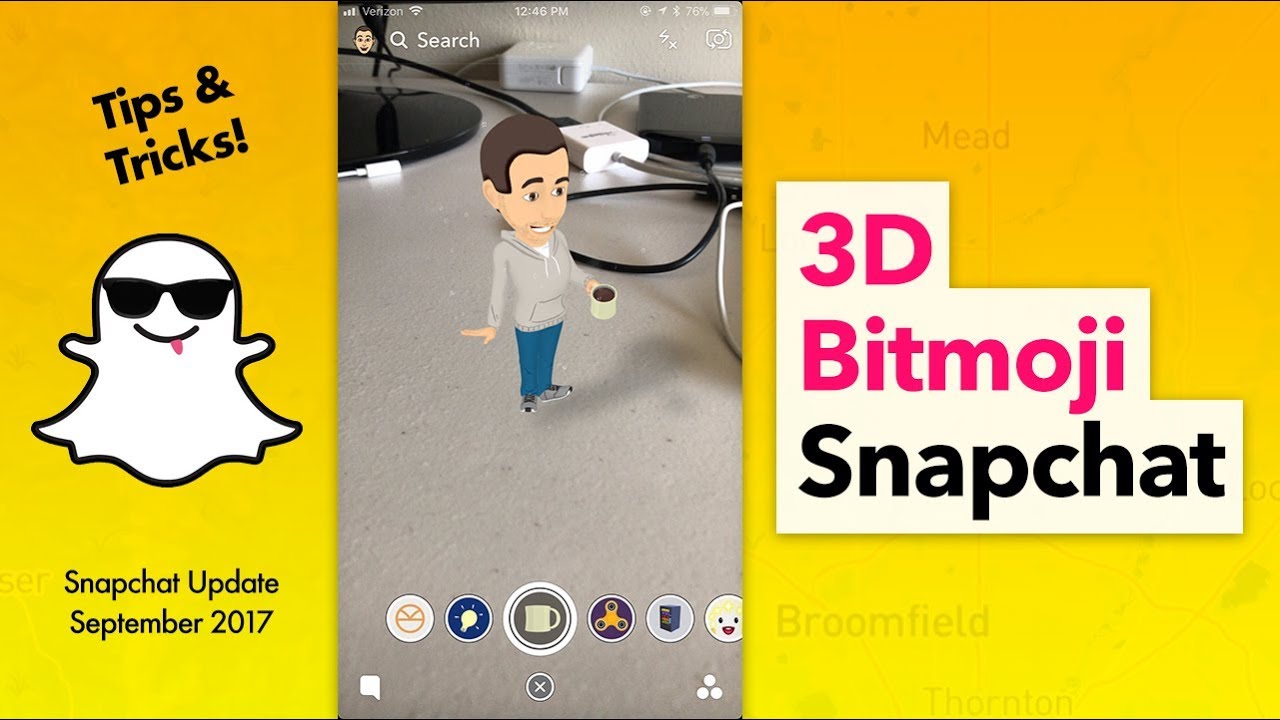
How To Use 3d Bitmoji On Snapchat Youtube
Now tap your 3D Bitmoji above the settings.
How to change 3d bitmoji on snapchat. Heres how to get the new feature on your accounts. Getting a 3D Bitmoji avatar on Snapchat is a simple process. Open yours Snapchat app and tap the profile icon in the upper left corner.
First open the Snapchat app then choose the avatar style Bitmoji Deluxe in My Profile. How to Make a Bitmoji for Snapchat. From there tap the Link Bitmoji button.
Now tap on your Bitmoji 3D Model to get the Bitmoji settings. Scroll down and tap on Create Bitmoji under Bitmoji. Getting a 3D Bitmoji in profile is a simple process.
You might be familiar with Snapchat and bitmoji avatar if you have used already before. Snapchats 3D Bitmoji are a truly immersive experience and not just in. When youre done tap Save.
Open Snapchat and click on your current Bitmoji icon. Snapchats dancing hot dog has a new best friend and its you or at least you in Bitmoji form. In the Profile screen scroll to find Bitmoji.
Here you can. Oh Theres Sound Too. If its anything like Snapchats Filters and other World Lenses theyre bound to change daily.
After selecting a lens you can increase and decrease the size of your 3D Bitmoji using your fingers by pinching them in and out. Scroll down to see all the Selfies then tap to choose your Bitmoji Selfie. Tap Done on the bottom to save.
It sits in the top left corner and should probably resemble you. To change your Bitmoji Selfie follow these steps. Snapchat has refreshed its user profiles to now include 3D Bitmoji avatars marking the latest development in the companys experiments with 3D technology.
Since you still have to wait for the new World Lens fun you can spend that time making sure your Bitmoji is in tip-top shape for his or her future Snapchat adventures with the newest lenses. When Bitmojis first debuted in 2014 they shook up the emoji. Click here to get started.
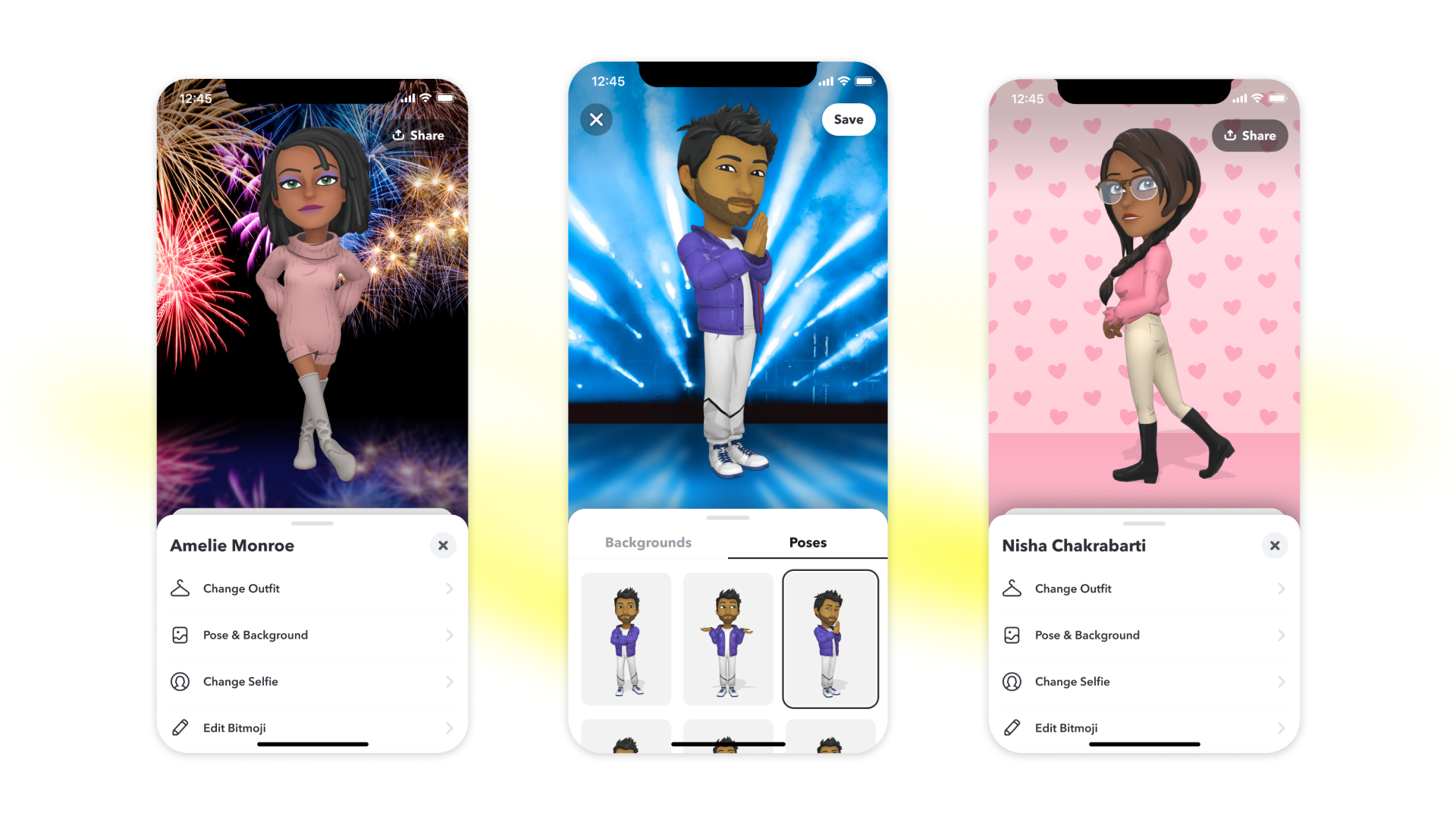
How to get a 3D Bitmoji on Snapchat. Here you can change the background e pose for your Bitmoji 3D. Update your app to the latest version and change to avatar style Bitmoji Deluxe on My Profile.
Under My Account select Bitmoji. In the Profile screen you must scroll to find Bitmoji. Open Snapchat and click on your current Bitmoji icon.
Swipe to select the avatar style you want. You can create your own 3D Bitmoji on Snapchat by using the face filters. Tap on the profile icon at the top left corner.
The new avatars which rolled out in. There are many other 3D Bitmoji filters here. The 3D Bitmoji premiered in August and its uh a.
Laughing so hard it hurts take an interesting selfie and ch as this new form which looks just like you. Snapchats New Bitmoji 3D Feature Is Going To Be Your New Obsession. Tap on Change Avatar Style.
Choose the personal features that depict you. Tap on your Bitmoji again which should now be larger and 3D. Tap on your Bitmoji again which should now be larger and 3D.
For exactly how to change your Bitmoji from clothes to hairstyle to body type weve got the step-by-step guide. If you dont see this option be sure to download the latest version of Snapchat via an update through the App Store. After that tap on the Change Selfie option.
Touch the pose and background option in the list. If you created your Bitmoji using the Snapchat login then it will not only be removed. In the Snapchat app tap on your Bitmoji avatar in the top-left corner of the camera screen.
Next hit the Profile icon at the top. Select Unlink on the dialog box to confirm. So toady in this blog I am going to share some basic knowledge to change bitmoji avatar on Snapchat app or say to change snapchat avartar.
To get a 3D Bitmoji you have choose the avatar style Bitmoji Deluxe in My Profile on the latest version of Snapchat app. Tap your Snapcode then tap Change Selfie. Snapchat gives us to make our interested bitmoji avatar for free.
Tap on that then switch between the two. Snapchat will release the update globally tomorrow Sept. How to Use 3D Bitmoji on Snapchat - A tutorial on how to use the new 3d bitmoji feature within snapchat.
Clicking here will expand the window and show the full body shot of your Bitmoji. In Profile tap the new photo icon at the bottom right corner of your 3D Bitmoji and a new menu with a poses and backgrounds option will pop up. On the next screen tap on Unlink My Bitmoji at the bottom.
In this Video I want to show you How To Change Snapchat 3D Bitmoji Background using easy waySubscribe To My YouTube Channel Turn on Notification Icon For L. As a second step tap the Profile icon at the top. Launch Snapchat and log in to your account.
3D bitmojis are lenses within snapchat camera that u. Tap on the profile icon on the top left of the screen. Simply open up the camera tap to choose one of four animated emoji shapes crying with tears.
Start by selecting the gender. Choose what you want to change and scroll through the options. If you want to change the place of your 3D Bitmoji you can do that by tapping on the screen on different surfaces.
In the Bitmoji app tap on the round gear icon in the top-right corner. To get a 3D Bitmoji you have choose the avatar style Bitmoji Deluxe in My Profile on the latest version of Snapchat app. This will unlink your bitmoji on Snapchat.
How to use 3d Bitmoji on Snapchat. Open the Snapchat application on your phone. If you would like access to 100 different hairstyles and ombre hair treatment switch to Bitmoji Deluxe the avatar style with the most customization options.
How to edit your Bitmoji on Snapchat. If youre already logged in you. Login into your account if you are not already logged in.
As a second step tap the Profile icon at the top. Check the steps below to change the pose. Snapchat is bringing your Bitmoji to life by making them 3D and unlocking their potential with.
In the Profile. 15 to Snapchat lovers using iOS and Android.

Snapchat Introduces Pixar Quality 3d Bitmoji Profiles

Snapchat How To Get A 3d Bitmoji Here S Where To Find The Feature


Komentar
Posting Komentar