How Do You Use Filters On Snapchat Without It Showing
It will not show your snap code. To activate your filters you need to take a photo or a video and swipe right or left over it to cycle through them.
How To Use Snapchat Filters Or Snap Camera On Zoom
To access Snapchat filters swipe left or right on your Snap.

How do you use filters on snapchat without it showing. Settings Software Update Check for Updates Tap Ok Install Update if one is available. Among those pick the right one which is shown in the figure below. If you do not see the option it means your filters are enabled by default and cannot be disabled.
You can use the unique camera feature of Snapchat here. Inside settings scroll down through the menu until you reach the Additional Services category. In that case you should learn how to use Snapchat filters on your own.
Open the Playstore on your mobile. Stickers are also available on Snapchat online. Download snap camera httpssnapcamerasna.
Now click on the Snapchat story on your personal device and. But to use them and find the most popular ones it may take some time because it is difficult. Through 3rd party apps in few simple steps.
So let us see How to put Snapchat filters on pictures from camera roll. If you want to know how to use Tik Tok filters and find more effects for your Tik Tok video this post is what you need. Personalize your own Filters and Lenses.
What else can Snapchat do. Tap Manage Preferences to open up your Snap options. Give your filter a home by setting up a Geofence.
How to Use Snapchat Filters on Zoom. Inside settings scroll down through the menu until you reach the Additional Services category. If you are using an Android device do this.
Hold the camera of your other smartphone or tablet steadily over the screen of your first device. But while filters are static and lenses are animated users tend to use them interchangeably. Choose if your filter is.
From making you look like a puppy to an old truck driver. Launch the Snapchat app on your device and search for the story that you wish to save. Snapchat provides a handful of filters and overlays which allow you to show off your location make your pictures more colorful or even display how fast youre moving.
How to use Snapchat Filters. Inside settings scroll down through the menu until you reach the Additional Services category. You can combine your snap with filters here as well.
Ensure that Filters is enabled with a checkmark. It is quite fun and has different effects. The Geofence allows you to target a precise location where your filter will be available.
How to Use the Filters in Snapchat. In addition you can press the stack icon that appears under the other creative tools to apply multiple layers of filters to your Snap. But thats not all Snapchat filters do.
But unlike Instagram Snapchat only allowed you to use a single filter per photo or video. The available filters include color effects holiday graphics timestamps or Geofilters based on your location. Filters are used after you take a picture or record a video and can then overlay a design on top.
Snapcode is the thing that sends visitors to your Snapchat profile. This facility is available. After you finish updating your device launch Snapchat to see whether you can use the filters.
Ensure that Filters is enabled with a checkmark. TikTok a popular video-creation app offers various options to edit videos add text do green screen and add filters effects etcAmong them adding filters must be the most effective way to make your TikTok video far more appealing. Tap Manage Preferences to open up your Snap options.
Filters and Lenses are for People and Businesses. Whether its a Filter that frames the moments at a friends wedding or a Lens that makes birthdays even more hilarious your custom creations will make any event more special. Whether its for a house party or wedding a coffee shop or campus-wide event Filters and Lenses make it easy for Snapchatters who are there to share your message to friends.
Tap Manage Preferences to open up your Snap options. If you do not see the option it means your filters are enabled by default and cannot be disabled. After that you will see lots of results related to the Snapchat filter.
Using Snapchat without filters may sound too boring. Ensure that Filters is. Why not spice things up with a filter from the Snap Camera app which adds cool effects to your face and background.
Are your Zoom chats getting boring. An updated version of Snapchat had a feature for swapping faces with a friend whether in real-time or by accessing some faces from your gallery yes you allowed Snapchat to look in your Camera Roll. Theres a easier way just go to filters then hit explore then search camera roll and there should be filters which allow you to upload images from your camera roll Reply JBae says.
Or at least thats how it seemed. How to apply snapchat filters to pictures and videosVery simple process but a capture card is required for this. You can use emojis on Snapchat online.
In the search bar type filter for Snapchat.

Pin By Yasmin Santos Souza Gomes On Insta Filters Video Snapchat Filters Selfie Snapchat Filters Selfie Ideas Instagram
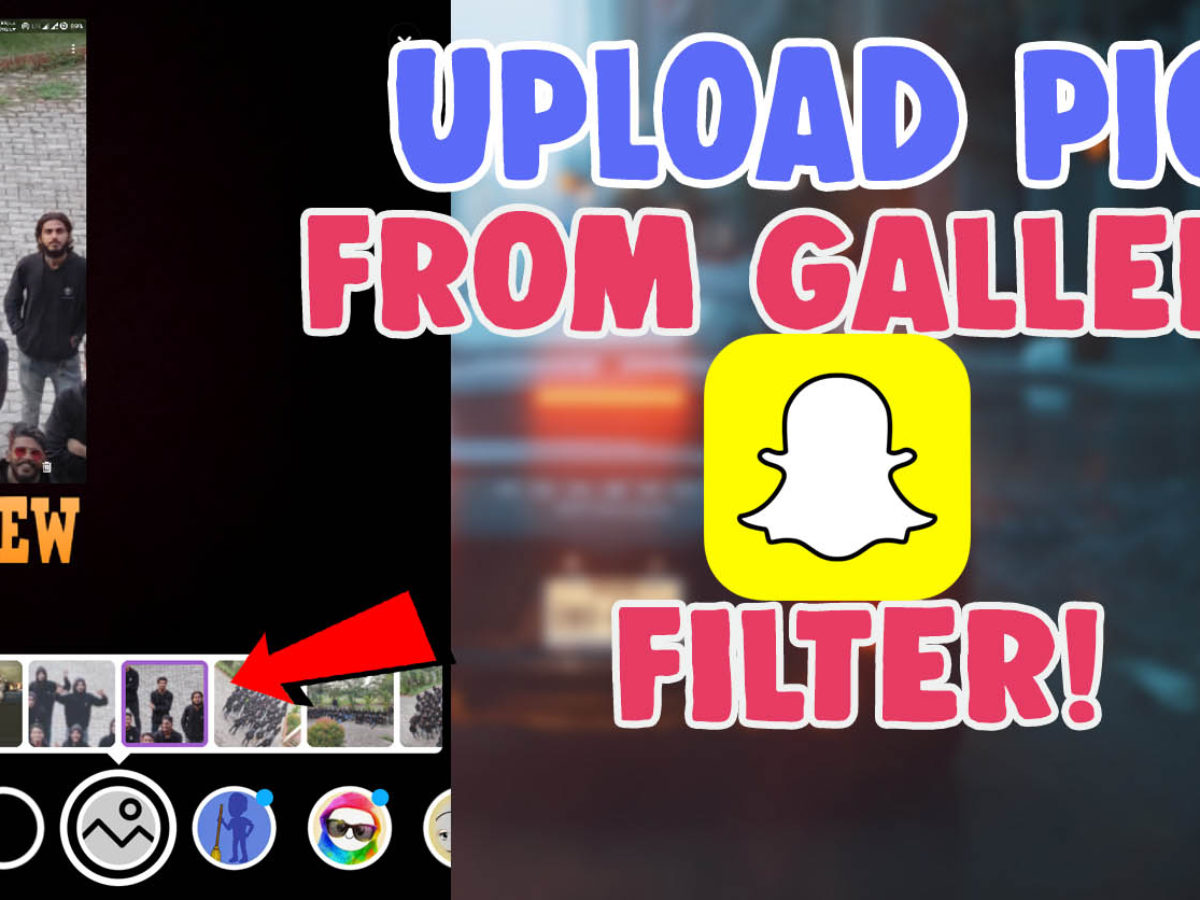
New Snapchat Filter Where You Can Send A Picture From Camera Roll Or Gallery Salu Network


Komentar
Posting Komentar